Aviation history, one flight at a time
A world of flight.
Right in your browser.
History of Flights is a free 3D browser flight simulator that turns aviation history into a playable journey. Build your aircraft, learn how it handles and discover the places behind the flights.
Play NowNo download required. Free to play, with optional in-game purchases.
The First Sky — watch the trailer
One leap becomes a journey from fragile wings to spaceflight. Captured in History of Flights.
For sharing: landscape trailer · portrait trailer · trailer image.
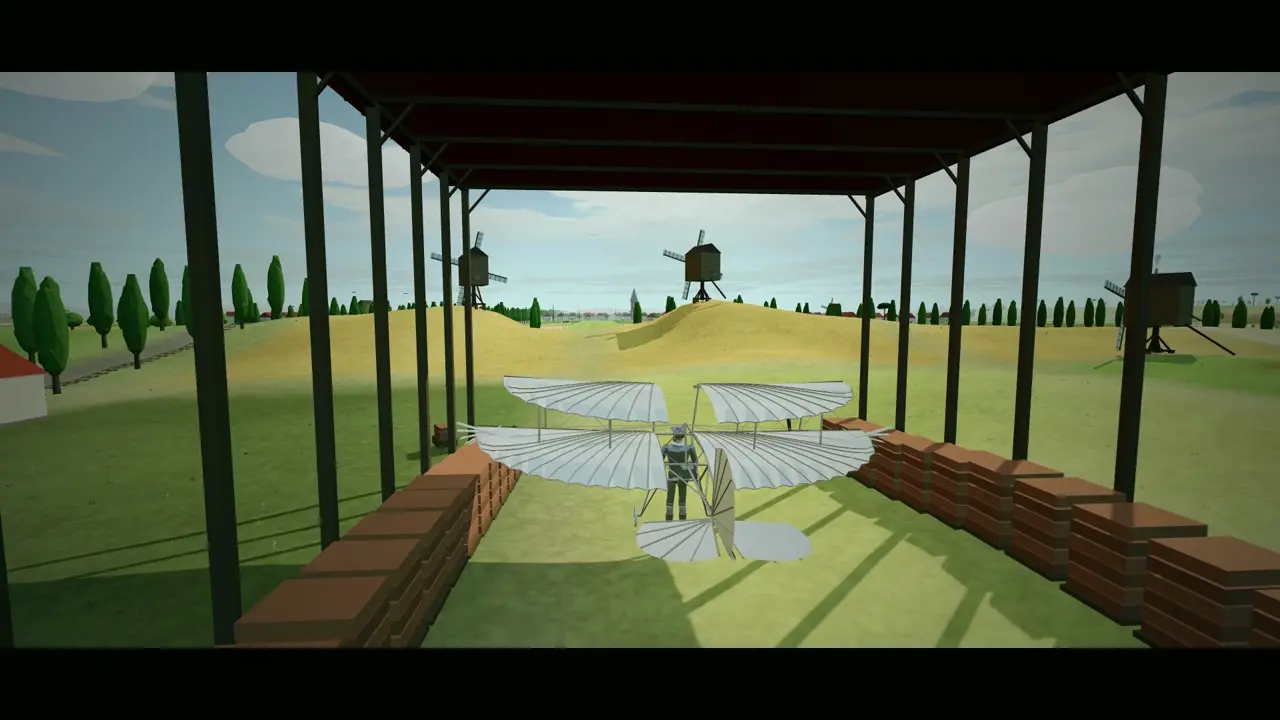
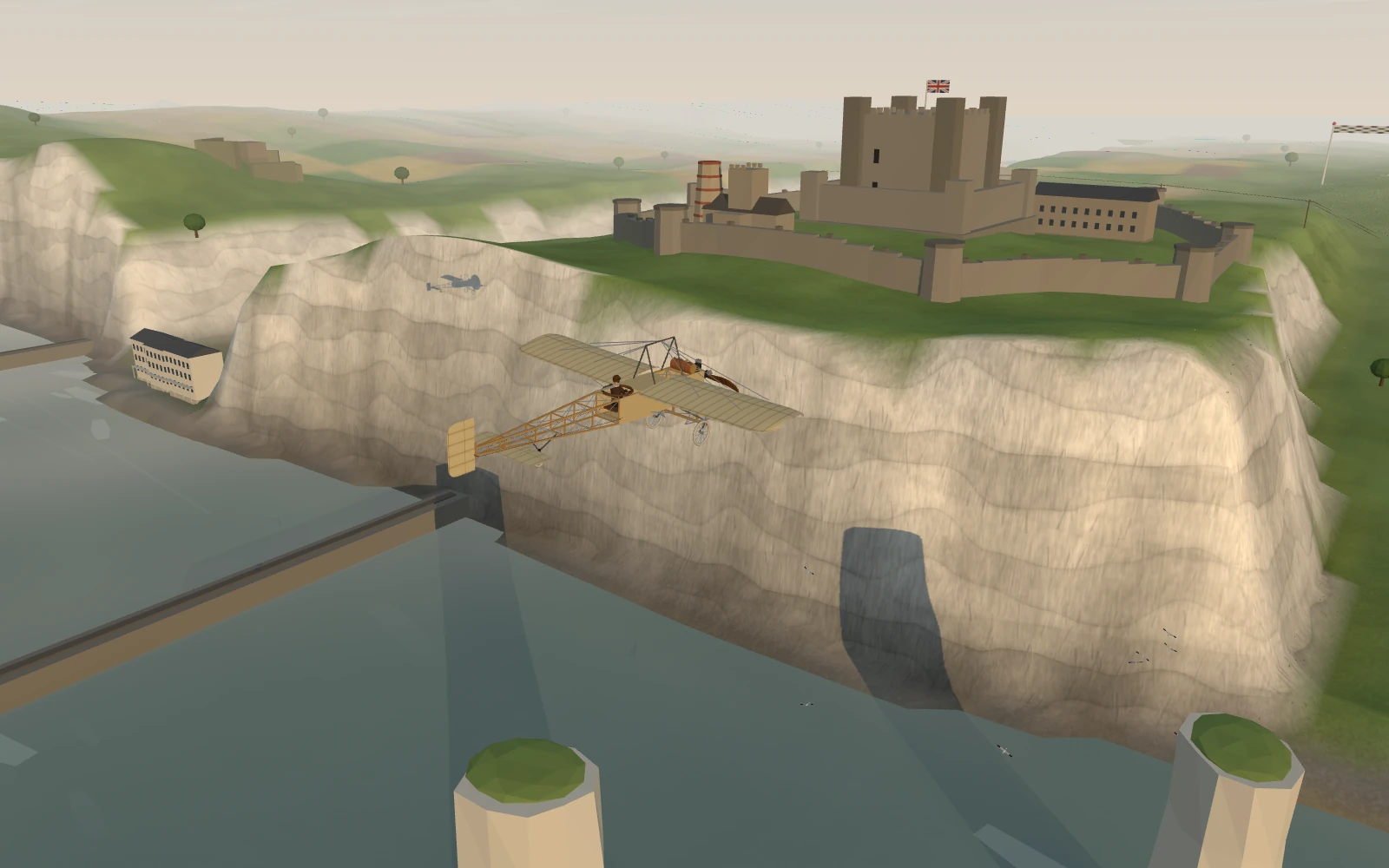
Fly through the history of aviation
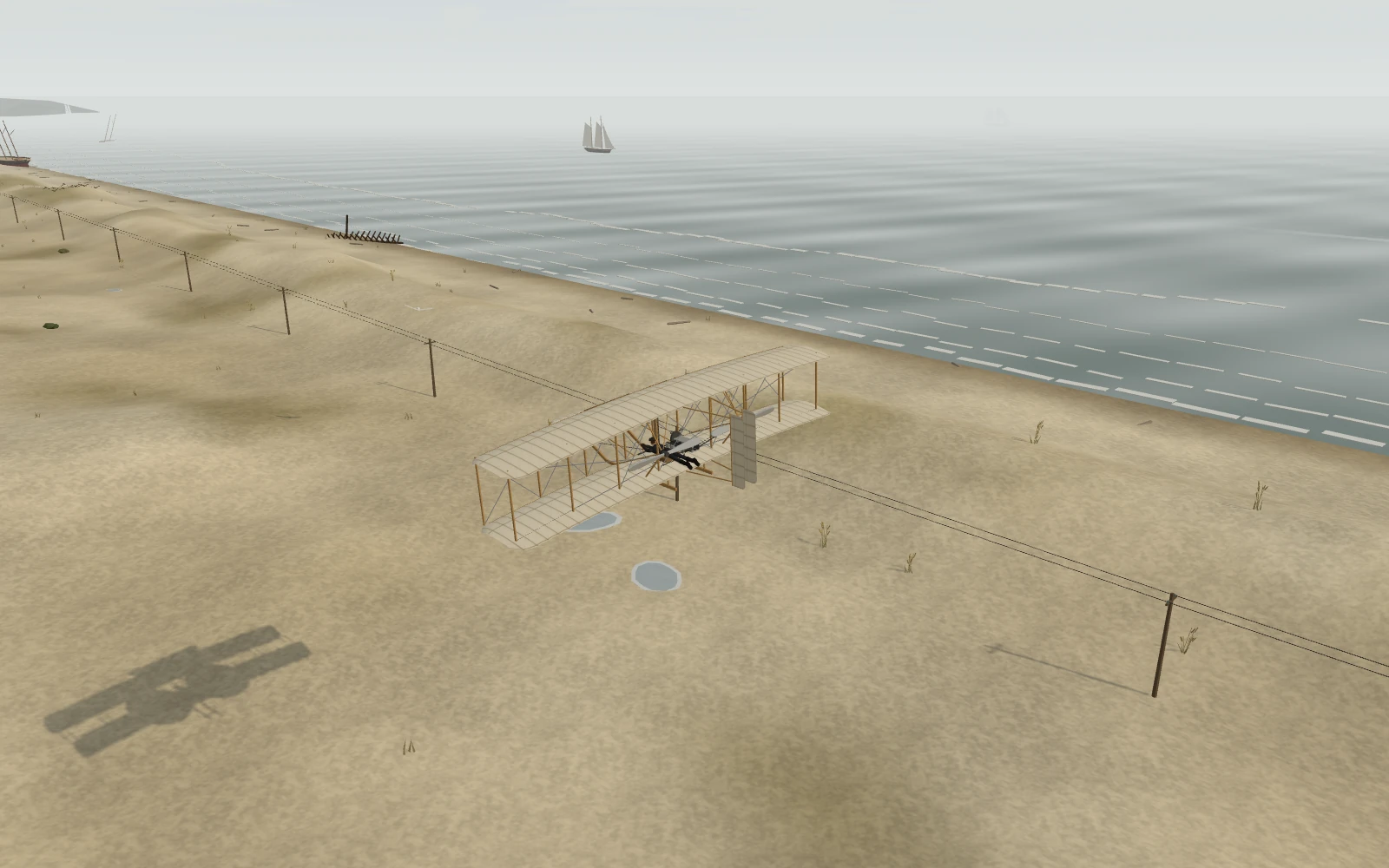
Across nine chapters and 44 flights, the game moves from early experiments with wings to powered aircraft, propeller airliners, jetliners, supersonic flight and spaceflight. Visit settings including Malmesbury, Kitty Hawk, Calais, New York, Singapore and Toulouse.
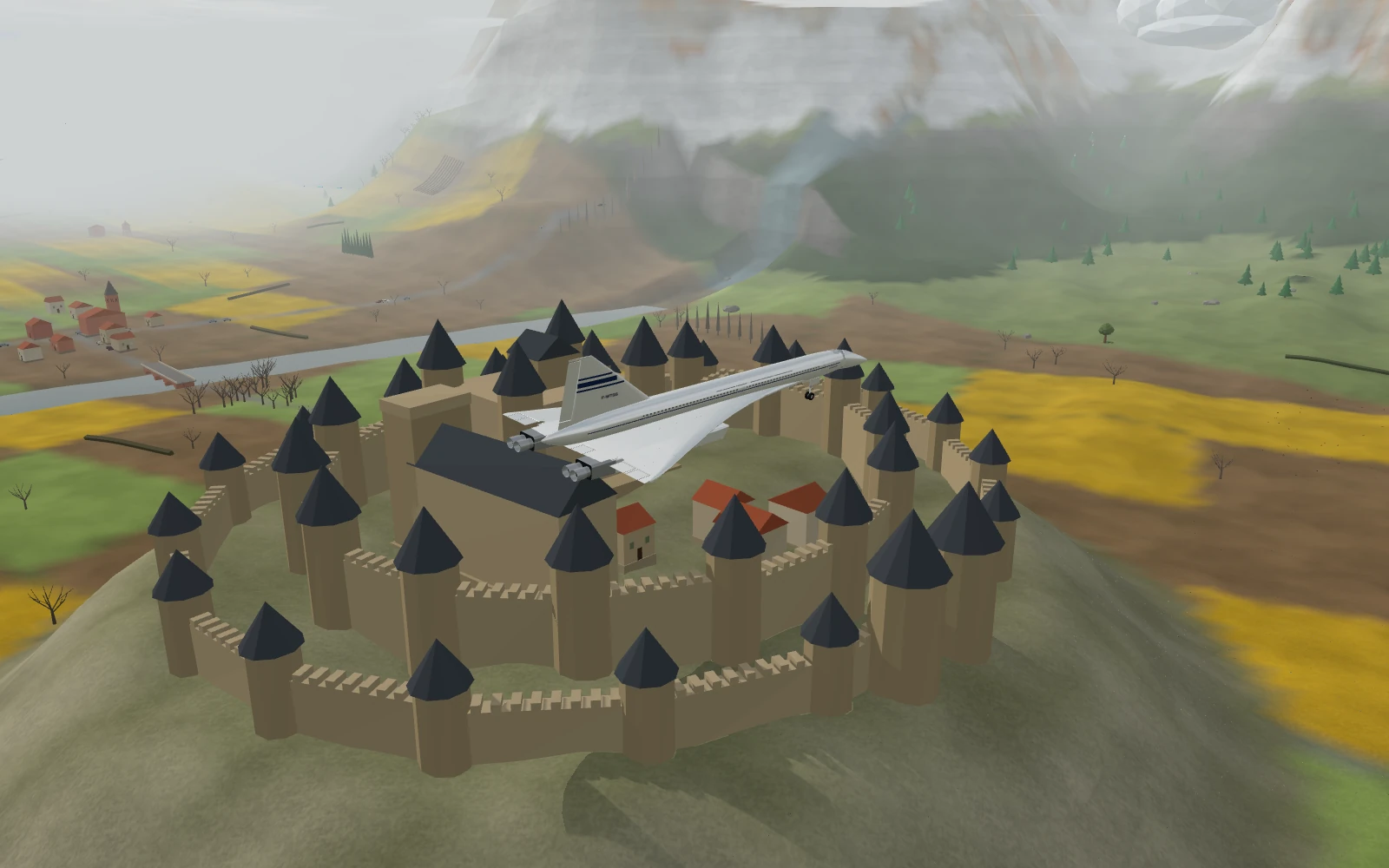
The aircraft include the Wright Flyer, Blériot XI, Gossamer Albatross, DC-3, Boeing 747, Airbus A380 and Concorde. Each flight introduces its aircraft, people and place. Chapters group aircraft by performance rather than following a strict timeline; future-facing missions imagine flights still to come.
A physics-based flight simulation game
If you enjoy a realistic browser game, the appeal here is the way flying depends on the machine: lift, speed, fuel, bank, terrain and collisions all matter. Aircraft take shape as you buy upgrades, and different launch sites change how you get airborne. It combines simulation mechanics with accessible arcade progression and stylized 3D scenery; it is designed for play, not real-world flight training.
- Build and upgrade: earn coins from flights and improve your aircraft, take-off setup and income.
- Learn each machine: balance speed and climb, watch your fuel and find a clear route through the scenery.
- Reach the next chapter: complete a flight to unlock the next aircraft and location.
- Explore the world: globe transitions connect the places behind the flights.
How to play in your browser
Open the game in a modern browser with WebGL enabled. On a keyboard, press Space to start, use the arrow keys or WASD to fly, P to pause and F for full screen. On a touch screen, tap to start and drag to steer. Drag down to lift the nose; drag up to lower it. The game’s Settings explain special launch controls.
Travel brings us closer. Languages help us connect.
Flights join places on a map; conversations connect the people who live there. That curiosity about the world is what this game shares with LENGO. A route across the Channel can inspire a trip, and a few words in another language can turn that trip into a conversation.
Read our illustrated story about flight, travel and languages, or explore languages to learn with LENGO.
Play Now